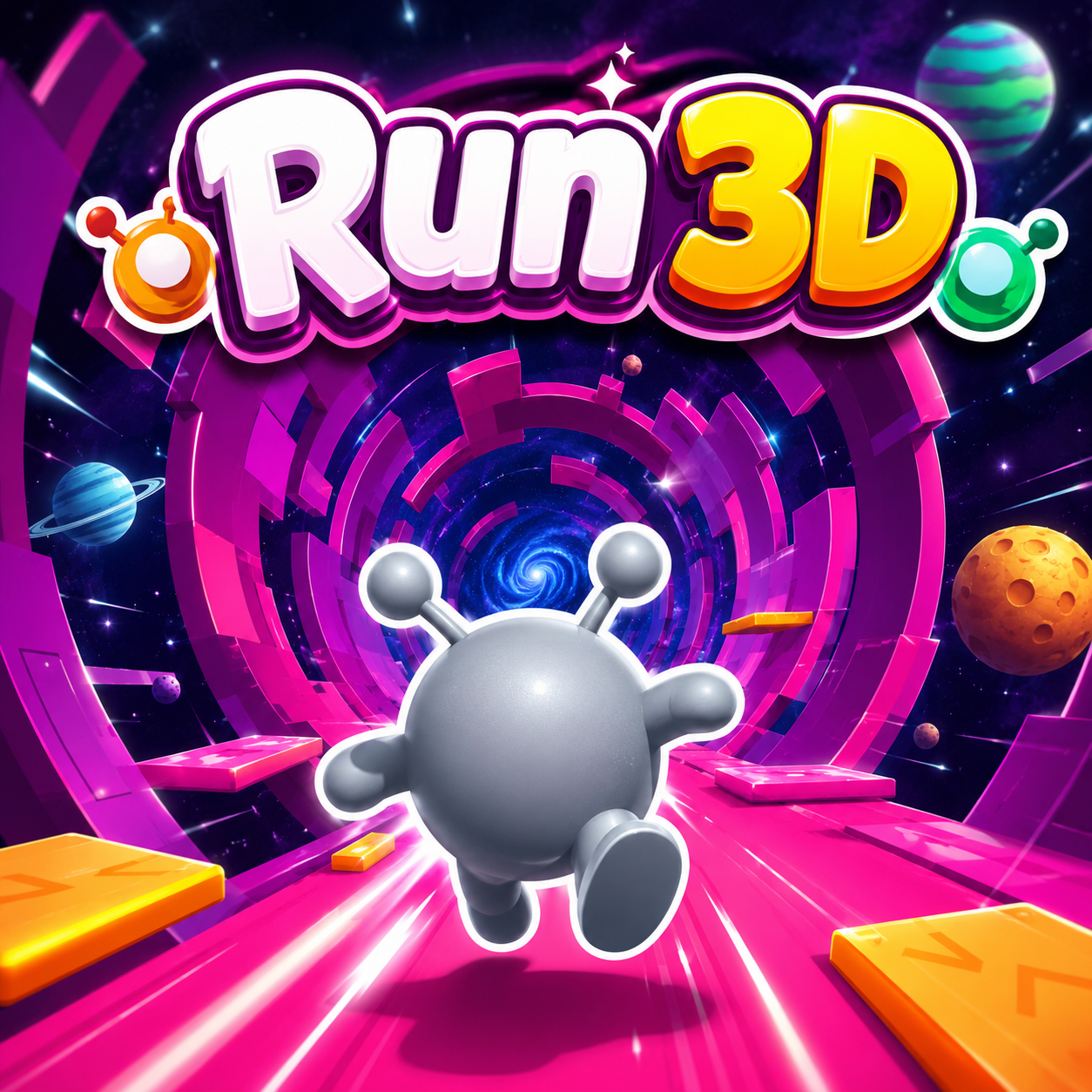
Run 3d
Run 3d Mods Game
God Of War
Alaaddin Run

Guns Amp Bottles
Sphere Rush
Squidgameio
Tag Run
Sprunki Mixcinki
Sprunkway V2
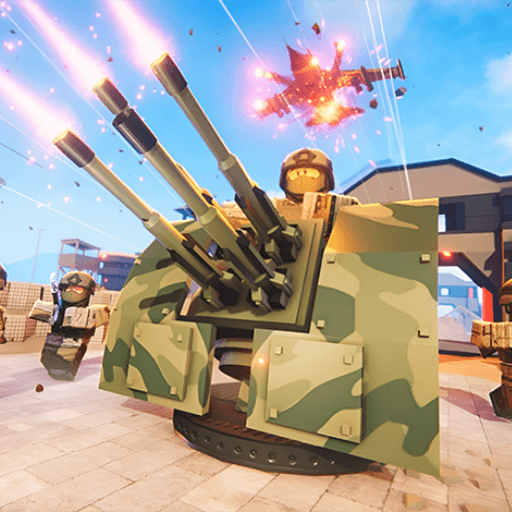
Obbik Military Tycoon
Escape The Alien Prison

We Become What We Behold
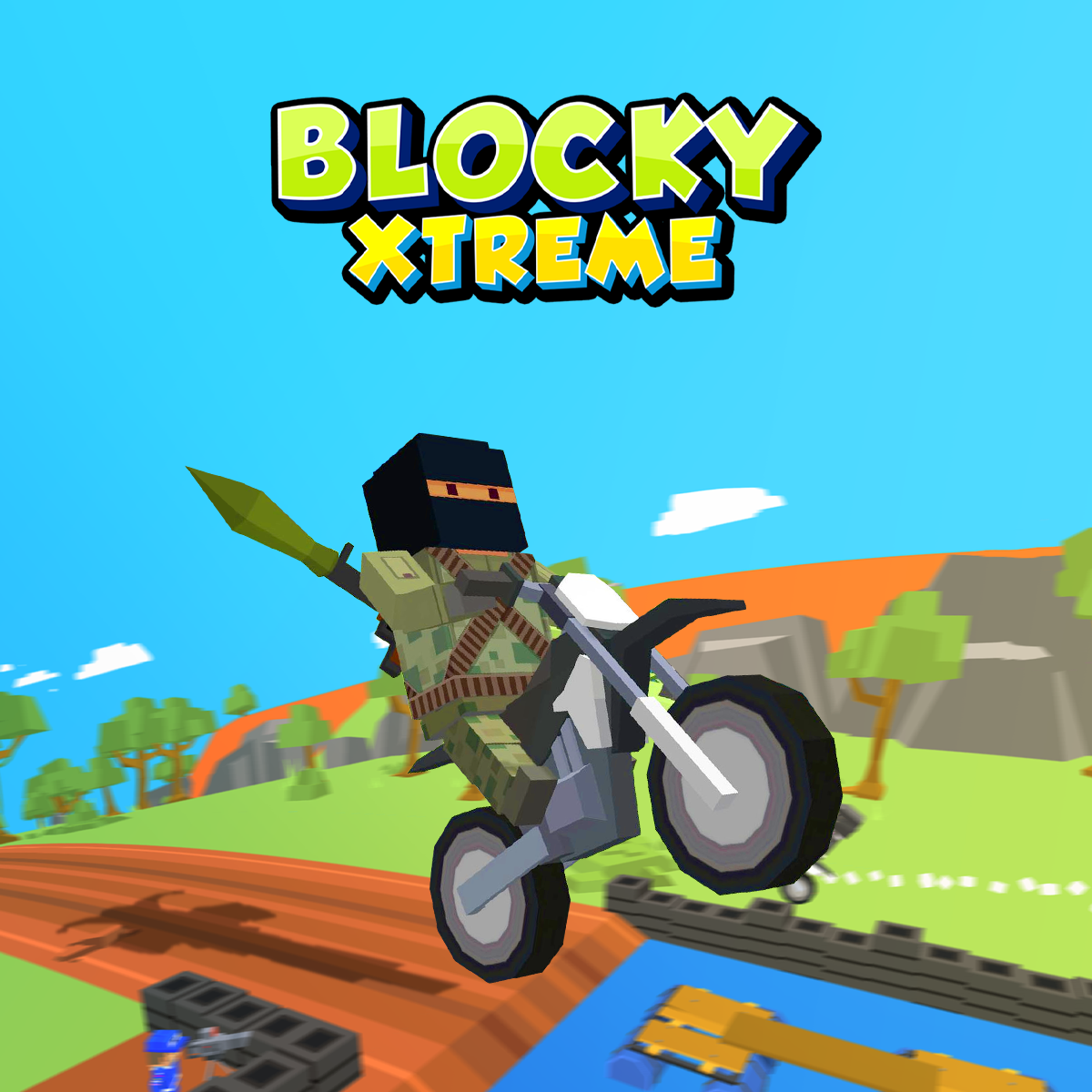
Blocky Xtreme
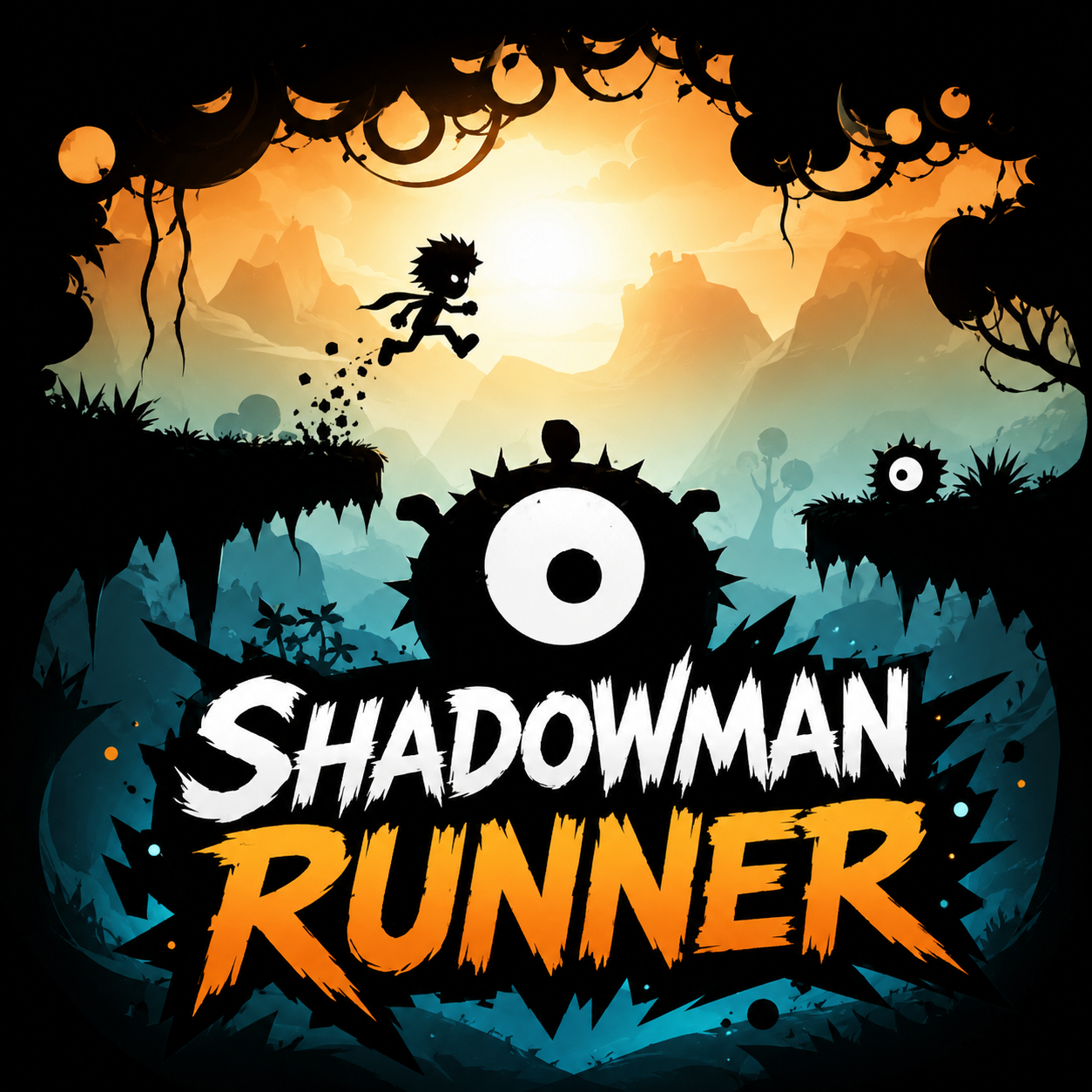
Shadowman Runner
Vex 9
Xytrian Runner
Fireboy And Watergirl 3 Ice Temple

Idle Planet Gym Tycoon
School Escape Obbie Run
Slope Run

Prison Pump

How To Play Run 3d
The goal in Run 3d is simple: navigate your runner safely across every course without plunging into the void. The character advances automatically, meaning the player’s only duty is managing sideways motion and performing jumps. The keyboard-based controls are highly responsive, built for quick and precise commands.
Controls
- Left/Right Arrow Keys or A/D: Shift the runner sideways. Because the tunnel is cylindrical, pressing left or right simultaneously rotates the character around the tunnel’s inner surface, enabling you to alter your trajectory or adhere to the walls.
- Up Arrow, W, or Spacebar: Leap. This maneuver is crucial for crossing gaps and bypassing broken segments of the tunnel floor.
Basic Movement and Positioning
The runner’s forward path is fixed; your job is to predict obstacles and modify your location accordingly. Staying close to the center of the tunnel provides the most stable footing and the largest margin for error, yet many sections require you to navigate along the walls or execute precise jumps between fragmented platforms. The game benefits players who master the full 360-degree environment—moving around the tunnel can uncover safer routes or let you circumvent challenging sections by traversing the ceiling or side walls.
Game Modes
- Explore Mode: A sequence of fixed stages with gradually rising difficulty. Each stage features a predetermined arrangement of gaps, curves, and obstacles. Failing a stage lets you restart instantly, and repeated attempts allow you to memorize its layout for improved performance.
Run 3d Wiki
Summary
Run 3D is a fast-paced endless runner that transports players into a surreal, gravity-defying environment set within shifting space tunnels and fragmented platforms floating in the void. Unlike traditional side-scrolling runners, Run 3D leverages a three-dimensional perspective and a fully rotatable tunnel structure, demanding spatial awareness and precise timing from the player. The core loop is simple yet relentlessly challenging: the runner moves forward automatically, and the player must navigate through broken pathways, sudden gaps, and sharp turns by jumping, sidestepping, and rotating around the tunnel walls. Each mistake sends the runner plummeting into the abyss, resetting progress. The game offers two distinct modes—Explore Mode for progressive level-based play and Infinity Mode for endless survival—catering to both methodical learners and high-score chasers. With its minimalist aesthetic, escalating difficulty curve, and fluid controls, Run 3D stands as a demanding test of reflexes and spatial reasoning, appealing to enthusiasts who thrive on precision-based platforming and infinite runner challenges.
ze the pattern and refine your approach. This mode is ideal for building familiarity with the game’s physics and obstacle variety.
- Infinity Mode: An endless, procedurally generated course with no repetition. The layout changes every run, and failure means starting from scratch. The goal is to survive as long as possible and achieve a new distance record. This mode tests raw reflexes and adaptability.
Key Features
Endless 3D Tunnel Navigation
The game’s core innovation is its fully rotatable tunnel environment. Rather than a flat 2D plane, Run 3D’s cylindrical space allows players to walk on walls and ceilings, adding a vertical dimension to the traditional runner formula. This mechanic forces players to think in three dimensions, making obstacle avoidance more dynamic and engaging.
Dual-Mode Progression System
The inclusion of both Explore Mode and Infinity Mode offers distinct gameplay experiences. Explore Mode provides structured, learnable challenges that reward patience and pattern recognition, while Infinity Mode delivers endless unpredictability, appealing to players who seek high-score competition and relentless pressure. The contrast between the two modes significantly extends the game’s replayability.
Gradual Difficulty Curve
Run 3D does not flood the player with complex obstacles from the start. Early levels introduce simple gaps and gentle turns, allowing players to acclimate to the controls and perspective. As progress continues, layouts become more intricate—narrow platforms, sudden drops, overlapping gaps, and sequences that require rapid combination of lateral movement and jumping. This graduated challenge keeps the experience accessible to newcomers while remaining demanding for veterans.
Precision-Responsive Controls
Control responsiveness is critical in a reflex-based runner, and Run 3D delivers tight, low-latency input that allows for micro-adjustments. The jump has a consistent arc, and lateral movement speed is balanced so that players can make quick corrections without overshooting. This precision is essential for navigating the game’s later, more punishing sections.
Minimalist Visual Design
The game’s aesthetic is clean and uncluttered, with a dark space backdrop, neon-colored tunnel surfaces, and a simple runner character. This minimalism reduces visual noise, helping players focus entirely on the path ahead. The tunnel’s rotation and the sudden appearance of gaps are clearly telegraphed, ensuring that failure is always a result of player timing rather than ambiguous visuals.
High Replay Value
Between the two modes, the procedural generation of Infinity Mode, and the increasingly difficult fixed levels, Run 3D offers substantial replayability. Each run in Infinity Mode feels unique, and Explore Mode’s level-by-level progression gives players a clear sense of improvement as they conquer previously impossible sections.
Precautions/Tips
Master the Centre-Line First
In the early stages, train yourself to keep the runner near the centre of the tunnel floor. This position gives you the best visibility of upcoming obstacles and the most balanced response time for both side movement and jumping. Only deviate to the walls when the path forces you to—overusing wall traversal can disorient your orientation and lead to unnecessary falls.
Learn Obstacle Patterns in Explore Mode
Explore Mode is designed for learning. Rather than rushing through, treat each level as a puzzle. Observe the sequence of gaps and turns, then plan your moves accordingly. Memorizing the layout of a level will allow you to complete it with fewer errors, and those skills will transfer to the faster reactions needed in Infinity Mode.
Use the Jump Sparingly
Jumping is your only defense against gaps, but over-jumping can cause you to land on an unstable platform or overshoot a safe landing zone. Only jump when necessary—if a gap is small enough to sidestep around the tunnel wall, that is often the safer option. Reserve jumps for sections where there is no alternative path.
Stay Calm Under Pressure
As the game speeds up and obstacles become denser, tension can lead to frantic button presses. Run 3D punishes panic. Try to maintain a steady rhythm of movement and brief, deliberate pauses to assess the next section. Even in Infinity Mode, the generated paths are built with short windows of safety; identifying these windows helps you avoid chain-reaction failures.
Adjust Your Perspective
Because the tunnel rotates, your sense of up and down can become confused. Pay attention to the runner’s orientation relative to the tunnel floor. If you find yourself regularly falling due to disorientation, practice moving deliberately around the tunnel in both directions to reinforce your spatial mapping. Over time, the rotation will feel intuitive.
Focus on Consistency, Not Speed
There is no time limit or score multiplier for speed in Run 3D. The only metric that matters is survival. Resist the urge to rush through sections. A slower, controlled approach that keeps you alive is far more effective than a fast dash that ends in a fall. In Infinity Mode, distance is accumulated by surviving, not by rushing.
Take Breaks to Avoid Fatigue
Reflex-based games cause mental fatigue quickly. If you find yourself failing repeatedly on the same section or making silly mistakes, step away for a few minutes. A short break resets your concentration and often leads to immediate improvement upon return.
Run 3d Frequently Asked Questions
Q: What exactly is Run 3D? A: Run 3D is a high-speed endless runner game located within tunnels and platforms adrift in space. Your character advances automatically, so every leap and directional change relies entirely on your timing.
Q: How do you operate the runner? A: Employ the left and right arrow keys or the A and D keys to shift laterally and spin around the tunnel. Use the up arrow, W key, or spacebar to leap across gaps and over barriers.
Q: What occurs if you make an incorrect move? A: A single mistake plunges your character into the void, leading to level failure or a forced restart.
Q: What game modes does Run 3D offer? A: Two modes are available: Exploration Mode and Endless Mode.
Q: How does Exploration Mode function? A: Exploration Mode presents a set sequence of levels that steadily increase in difficulty. When you fall, you can restart the current stage, memorize the obstacle arrangement, and enhance your next attempt.
Q: How does Endless Mode work? A: Endless Mode generates a constantly shifting course with no predetermined path. Each playthrough is unique, and falling means beginning from scratch. Your aim is to endure longer and achieve a new distance milestone.
Q: What is the primary objective of the game? A: Your aim is to steer the runner safely through each track without tumbling off. Shift sideways to evade broken platforms, jump over openings, and rotate around the tunnel walls to discover a more secure route.
Q: How does the challenge escalate? A: The track grows more demanding as you advance. Damaged platforms, narrow paths, sharp bends, and sudden gaps can appear without any warning.
Q: Which games are comparable to Run 3D? A: Comparable titles include Jelly Runner, Slope Run, Shadowman Runner, Candy Jump, Fall Bean 2, Ragdoll Flip, Flip Rush, Color Dash - Chameleon Runner, Dino T Rex 3D Run, Pet Runner, DinoHop, Doodle Jump Ninja, Dino Island, Cactus Dino Run, Jump Tortoise Jump!, Snow Ball Racing Multiplayer, School Escape: Obbie Run!, Blocky Runner, and many others.
Q: How can I report a bug in Run 3D? A: Press the "Report a bug" button, then choose the issue you encountered from options such as "The game doesn't load," "The game is not working," "I lost my progress," "I saw something inappropriate," "I need help with an in-game purchase," "I have a suggestion," or "Other." Then submit.
Q: How can I share Run 3D with my friends? A: Click the "Share" button, after which you can copy the link to distribute it to your friends.
Q: How can I play in full screen? A: Tap the "Full Screen" button to switch to full screen mode.
Q: How do I express whether I like or dislike the game? A: Use the "Like" or "Dislike" buttons to provide your opinion.
Q: How do I add the game to my list of favorites? A: Press the "Add" button to include Run 3D in your favorites.
Q: Is it possible to comment on the game? A: Yes, a comment section is available. You must read and accept the terms and conditions before submitting a comment.
Q: What is the setting of Run 3D? A: The game takes place inside tunnels and platforms floating in space, featuring an endless voyage across the cosmos.